Generate and Upload Financial Transmittal
This page requires a two-step
procedure.
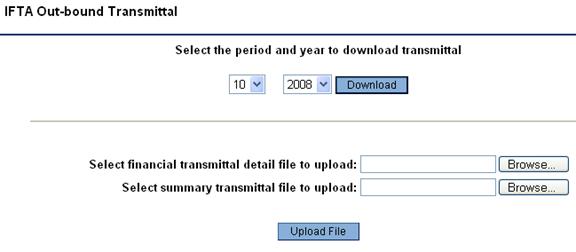
Step 1: Gather the data into a file
- Select the month and year for the data. Press Download button.
- Assign a file name and directory location for
file storage in the Windows dialog box that opens.
Step 2: Send the data to IFTA
- When the file has been saved press Browse and navigate to the file
you just saved.
- Press Upload
File to send the transmittal to the IFTA clearing house.