Removing a transaction from the audit list
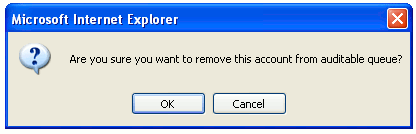
Press the Remove button on the right side of the Master Audit Queue page to remove that transaction from the audit list. A dialog box will pop up to confirm that the transaction is to be deleted. Press the OK button in the dialog box to remove the transaction.
The list of transactions will be updated, and the removed transaction will not be listed.