Getting Started: Logging In
Using the Fuel Tax System software requires a login. Once logged in, the main area to become familiar with initially is the dark blue area navigation areas on the left, which is divided into functional sections. The listed links will vary depending on the security permissions granted to the user account.
Before accessing the system, there is a row of links across the top of the Sign On page including a link to Contact Us (links to information about how to contact MCSD) and MCS Home (the MCS web site).
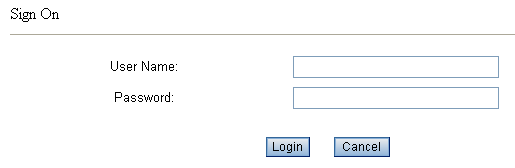
The Fuel Tax System cannot be used without logging into the system. Logins rights are related to a role description, which provides general rights to specific areas of the system. The Login function has a Sign On area with User Name and Password fields. Enter your assigned user name and password, and press the Login button.
Login roles and access rights, are assigned and controlled by Indiana Department of Revenue IT, and are maintained in a separate system.
Each user’s unique login credentials will be assigned a specific role within the system. Access to the Fuel Tax System will be based on the privileges of the role assigned and cannot generally be modified for individual user needs.
The roles will vary greatly depending on if the user is an internal Department of Revenue employee or a taxpayer, and the types of activities each type of user might need to do.
To log into the system, browse to the URL of the application and enter a system user name and password. The user Role will be assigned and an appropriate start page displayed.